My Team
Marc, Alex, Joshua, Niek, Ryu
My Role
UI Designer Grahpic Designer
Project Timeline
January 2024 - April 2024
Inspect

Overview/ TL: DR
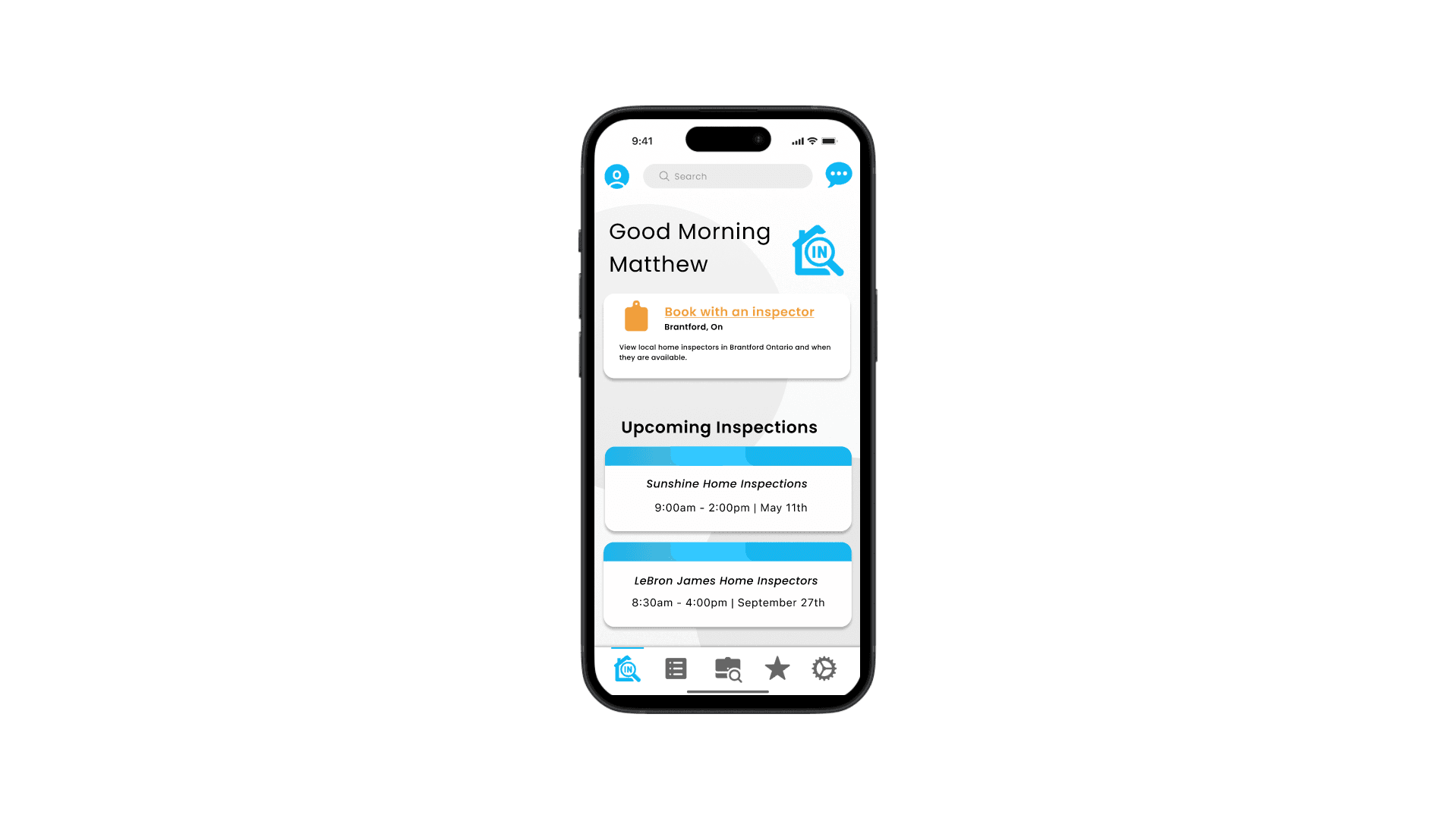
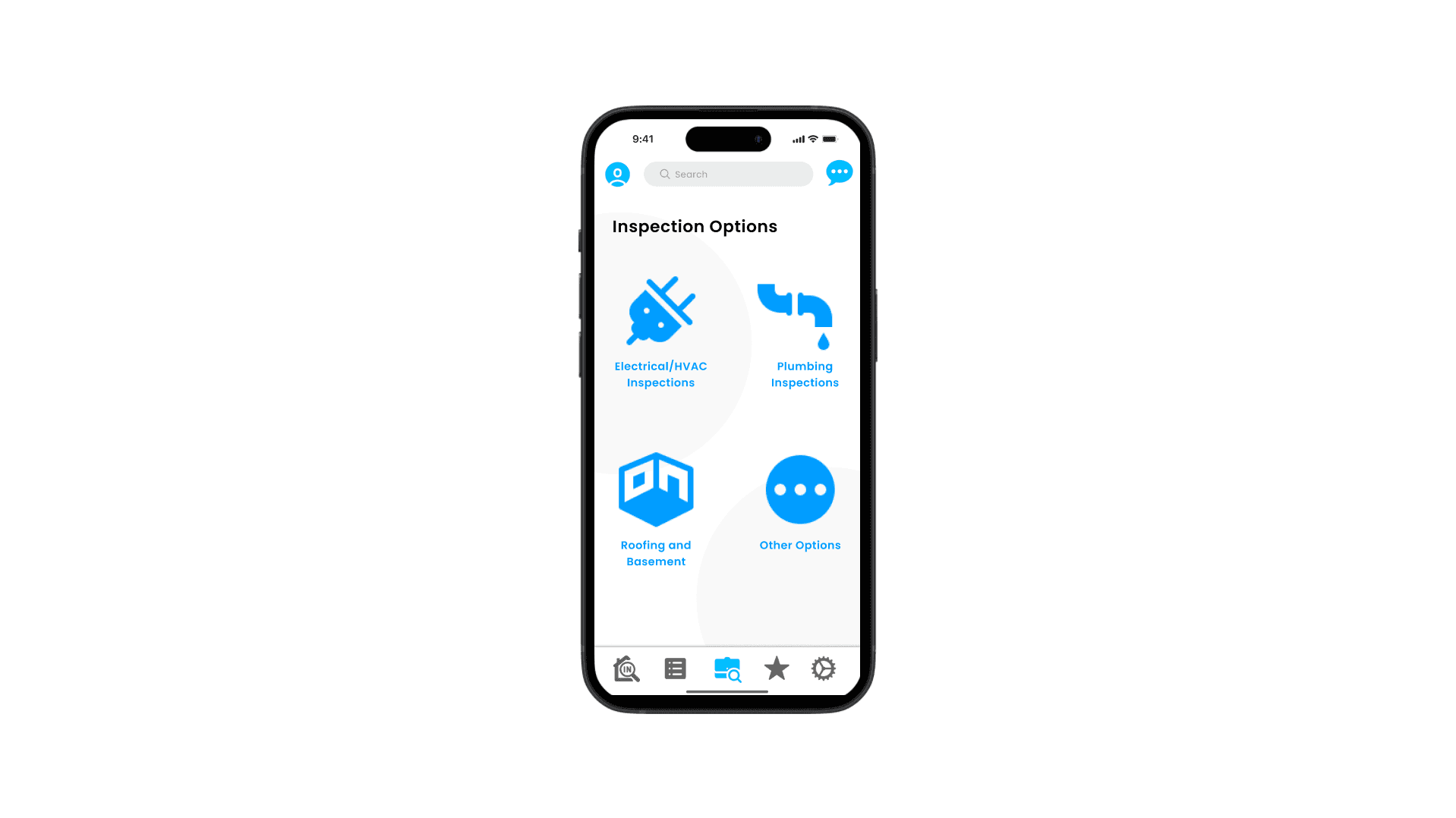
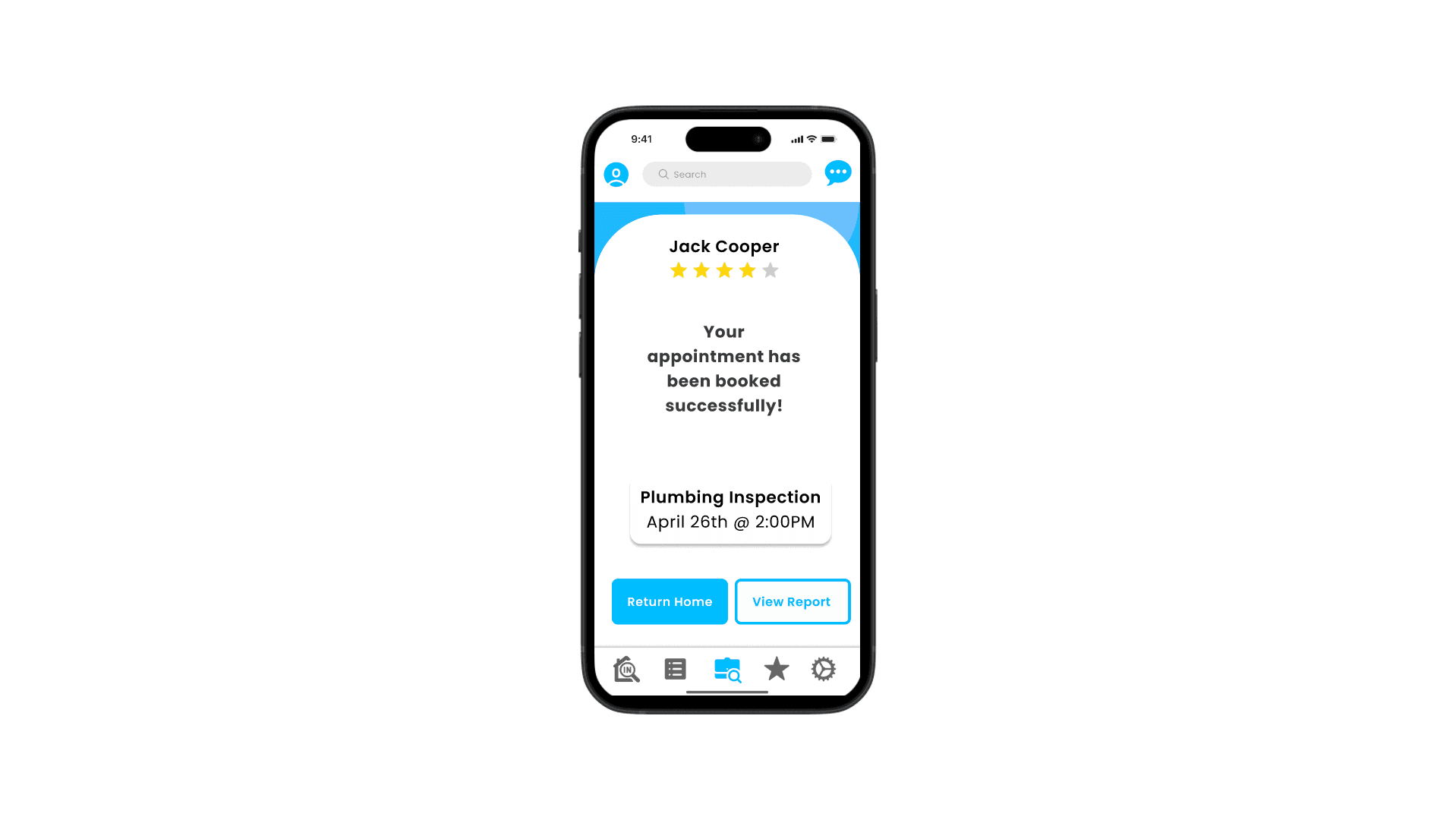
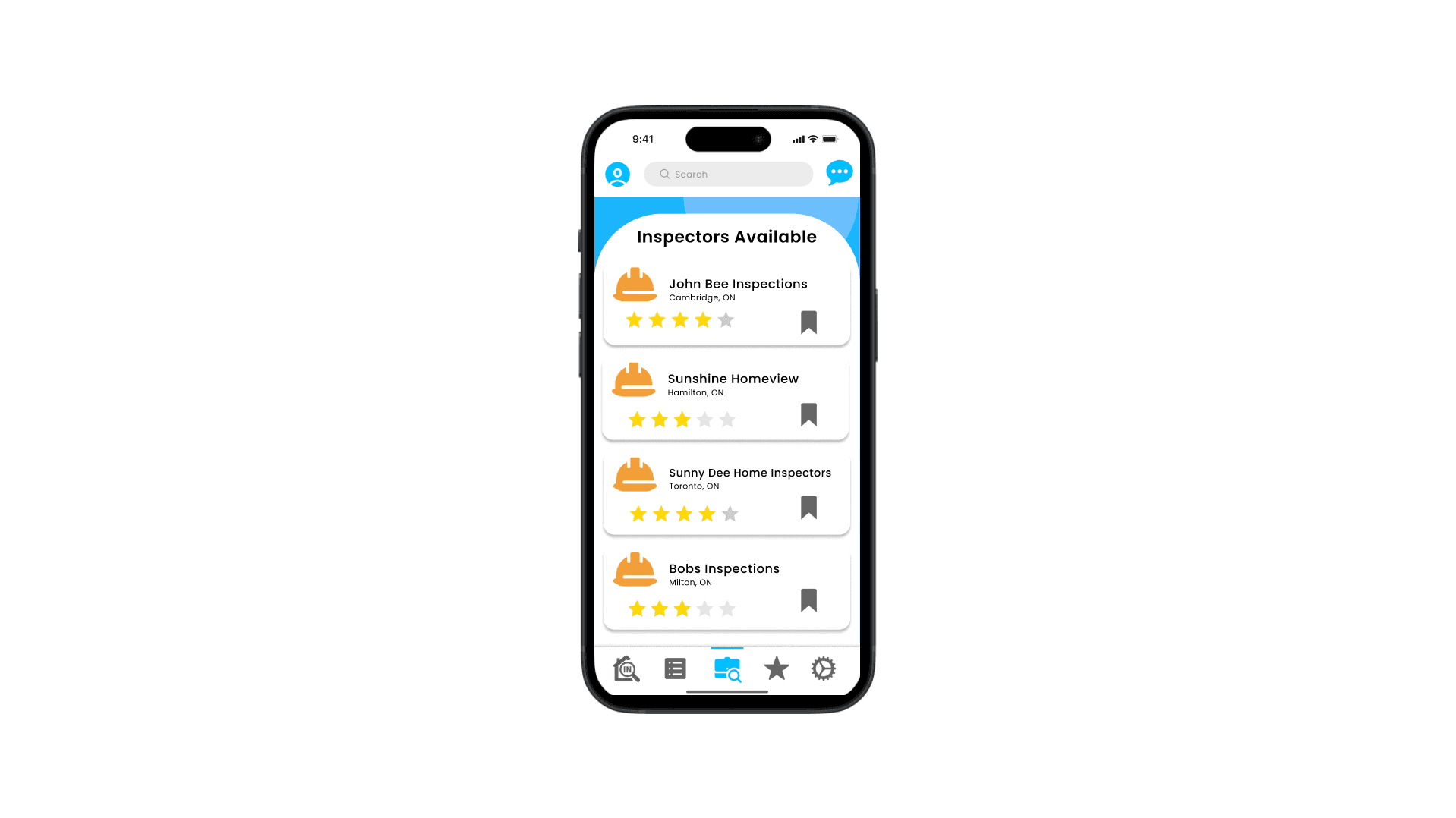
My team was tasked to design Inspect, a hypothetical small-scale app to showcase our design skills and our use of visual language. After lots of concepting, problem solving, and visual exploration, our team went above and beyond and created a much larger scale prototype than initially intended.
Goals and Objectives
Our instructor for this project gave us the task of developing an app for home inspections, and giving a platform to home inspectors where they can be easily found, while also making the app simple to use in the process.
We had a few goals in mind before we began work on the project which are the following:
Showcase a handful of features that we believe are important to this kind of service
Use colour as indicators, but still possible to understand indicators for those who may be colourblind with symbols and/or descriptions
Design it to feel familiar to use like other service type apps
The Process
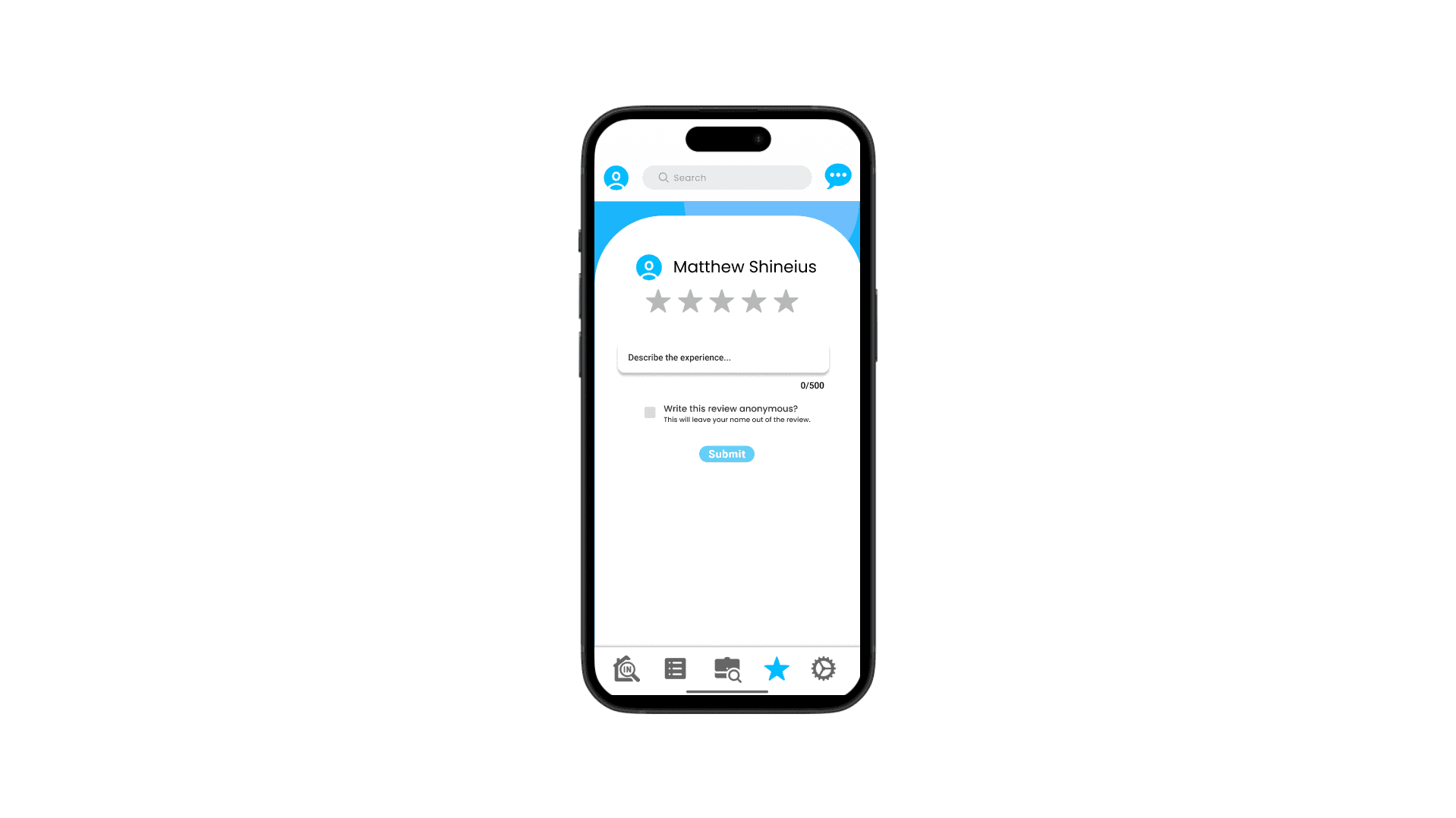
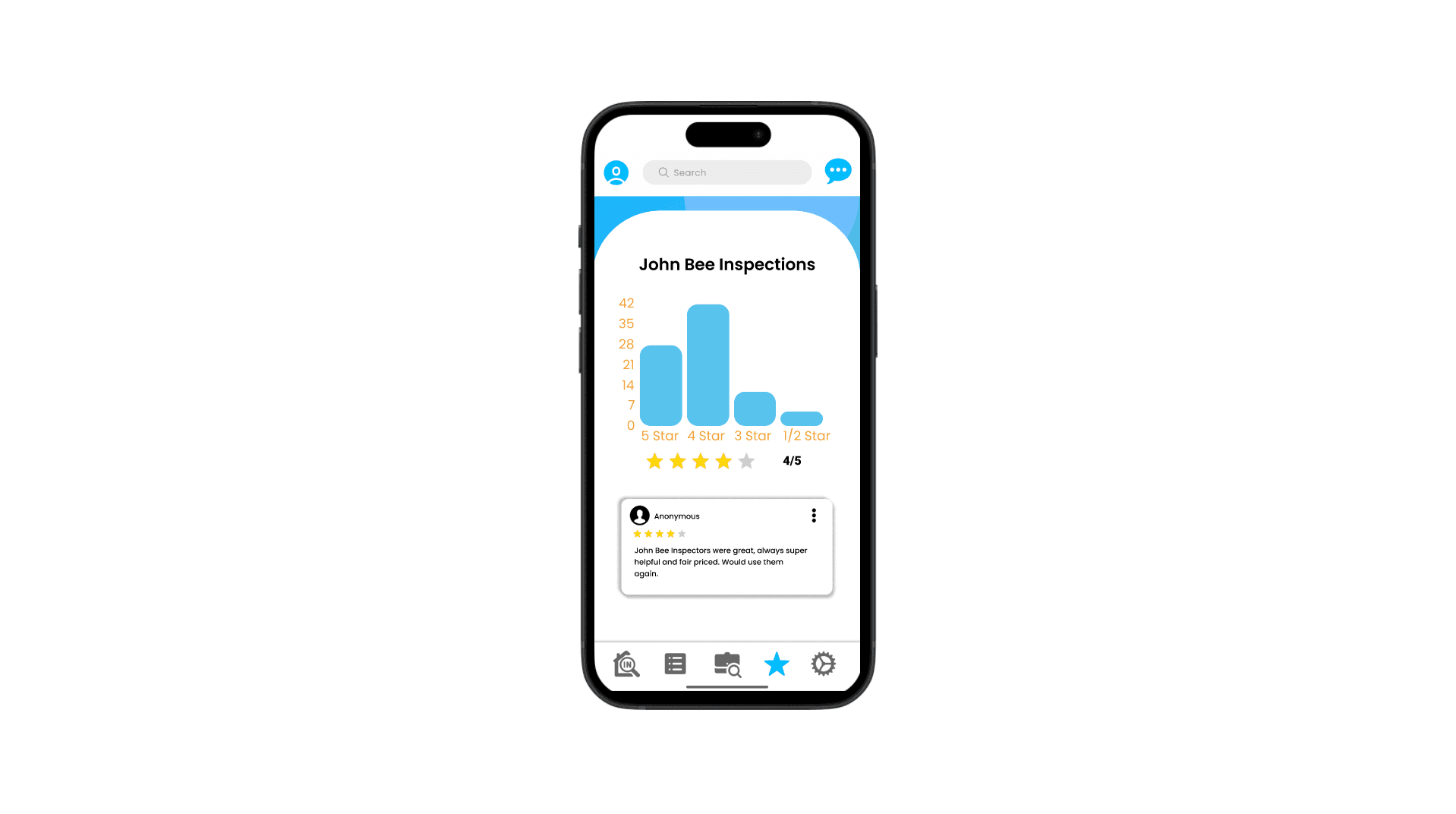
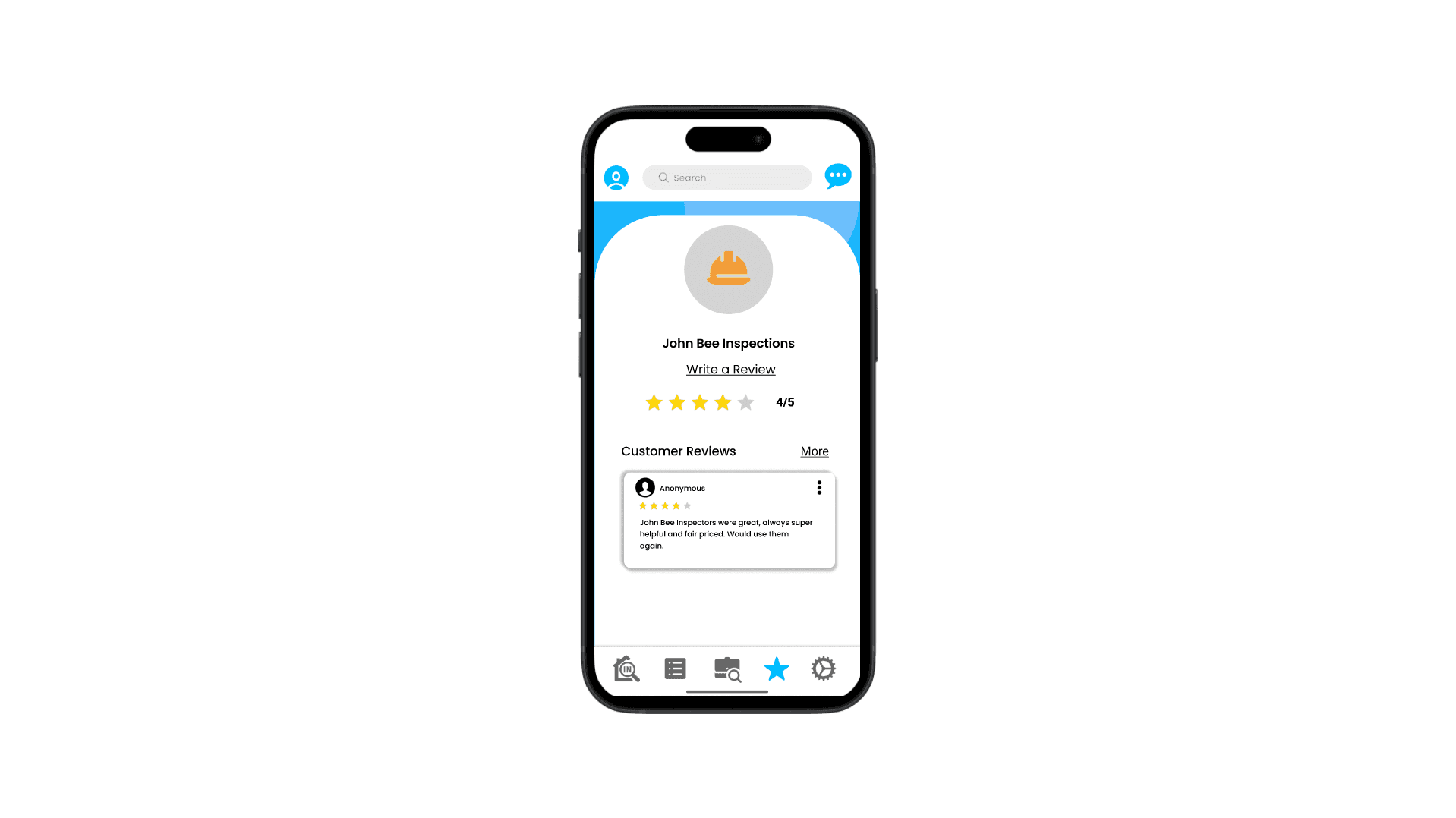
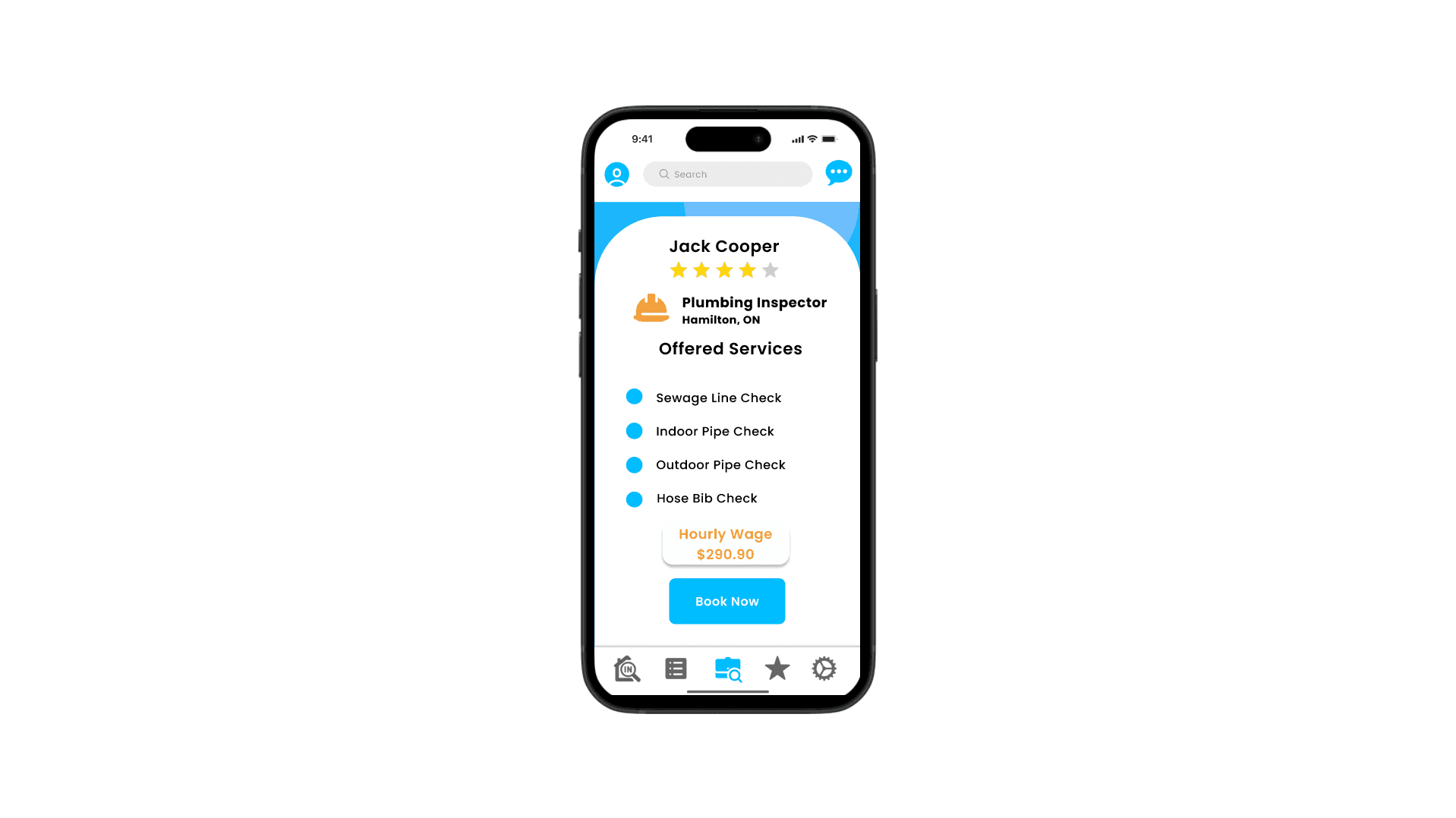
Our process started with actually looking at apps like Uber Eats and Skip the Dishes. Reason being is that we didn’t want our app to be just another Facebook post or random page where you can take chances on an inspector. Apps that are used for food service give a lot of user agency to weigh options with features like user ratings and filtering for specific types of options that may be relevant to you, and the ability to keep in touch with your courier as you wait for your order. A lot of these features were things that if we were looking for a home inspector could make the experience much more smooth and less stressful in finding the inspector you find best, and would be key parts of our vision that could make an app like this stand out.
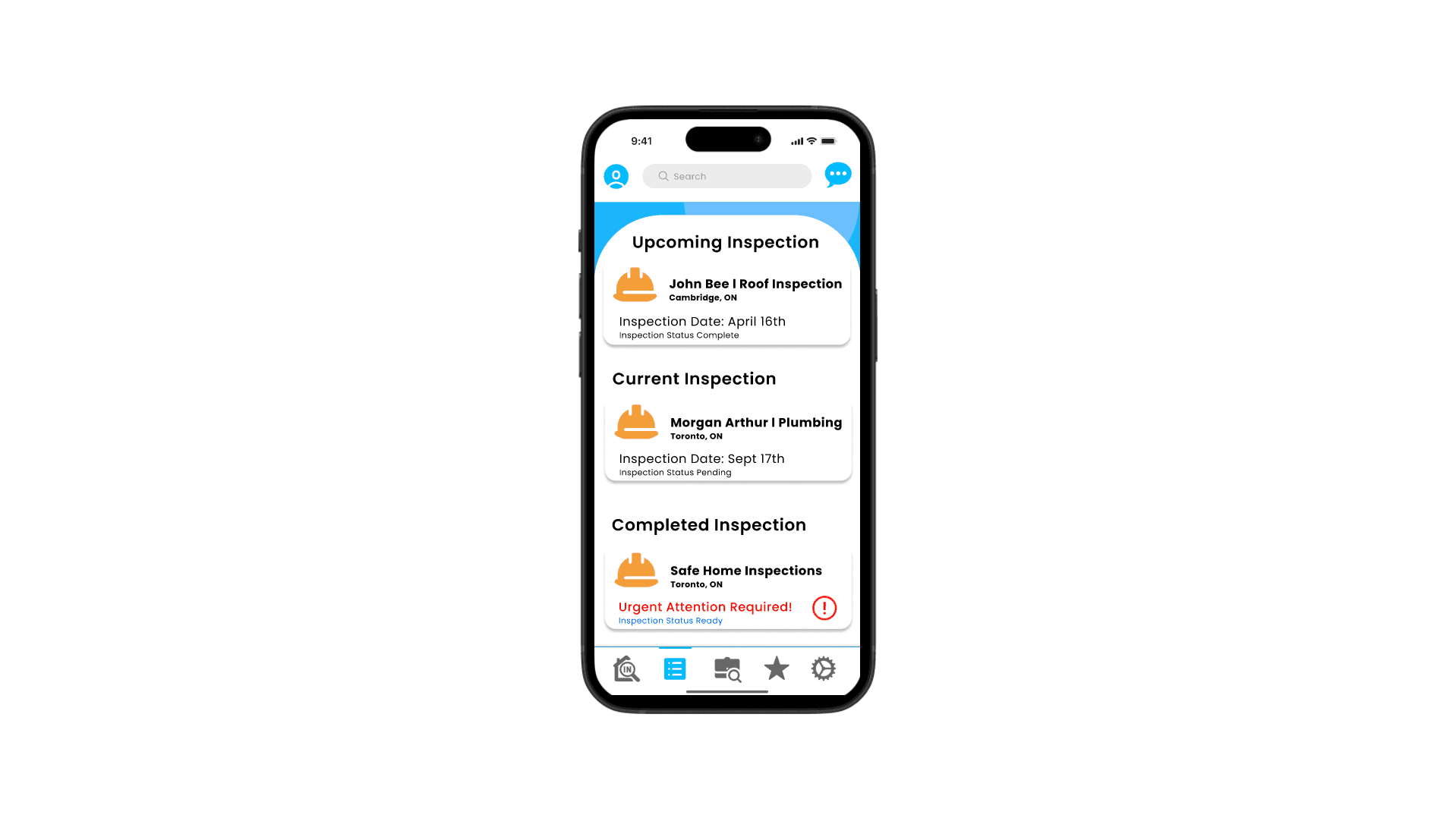
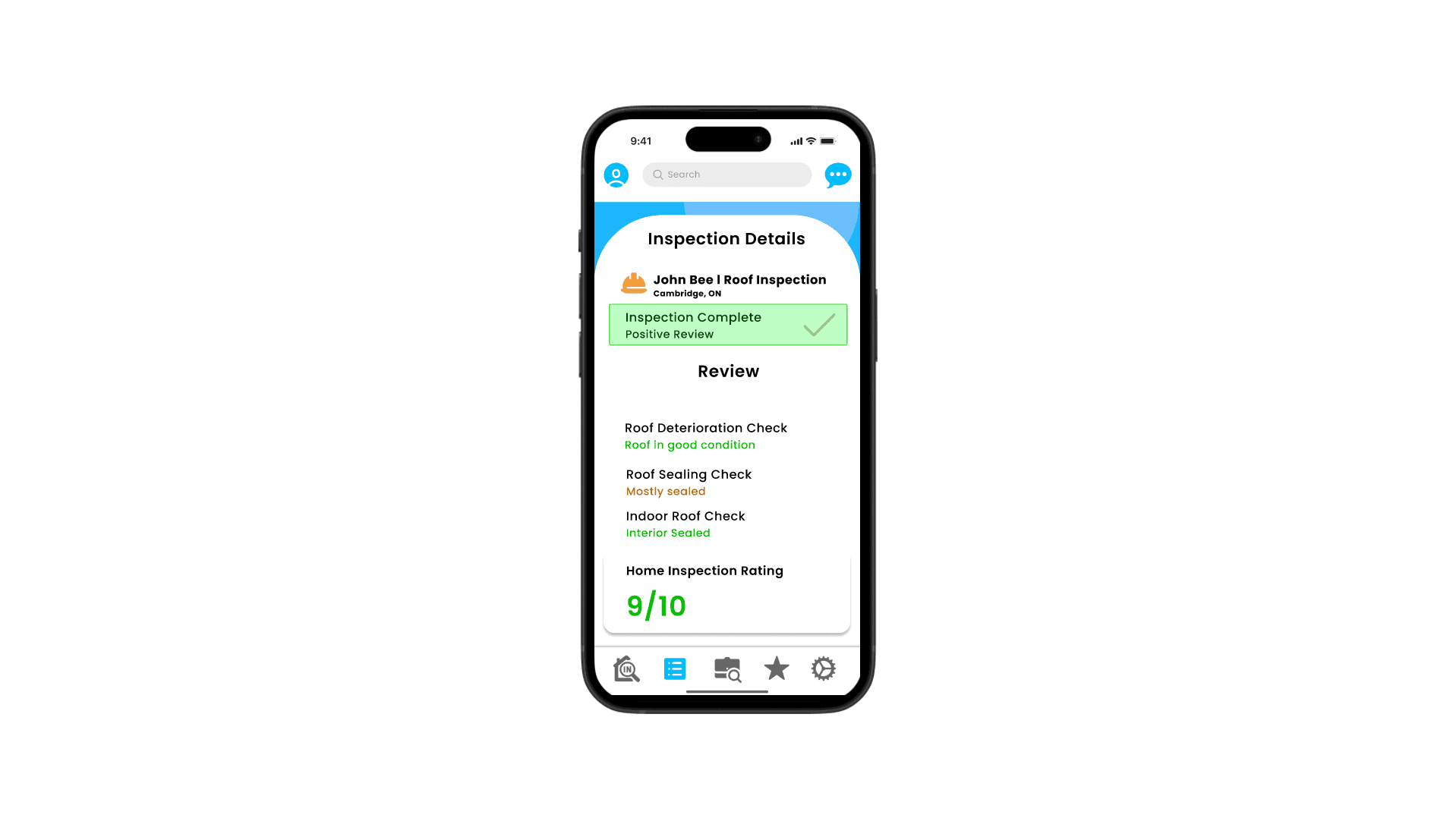
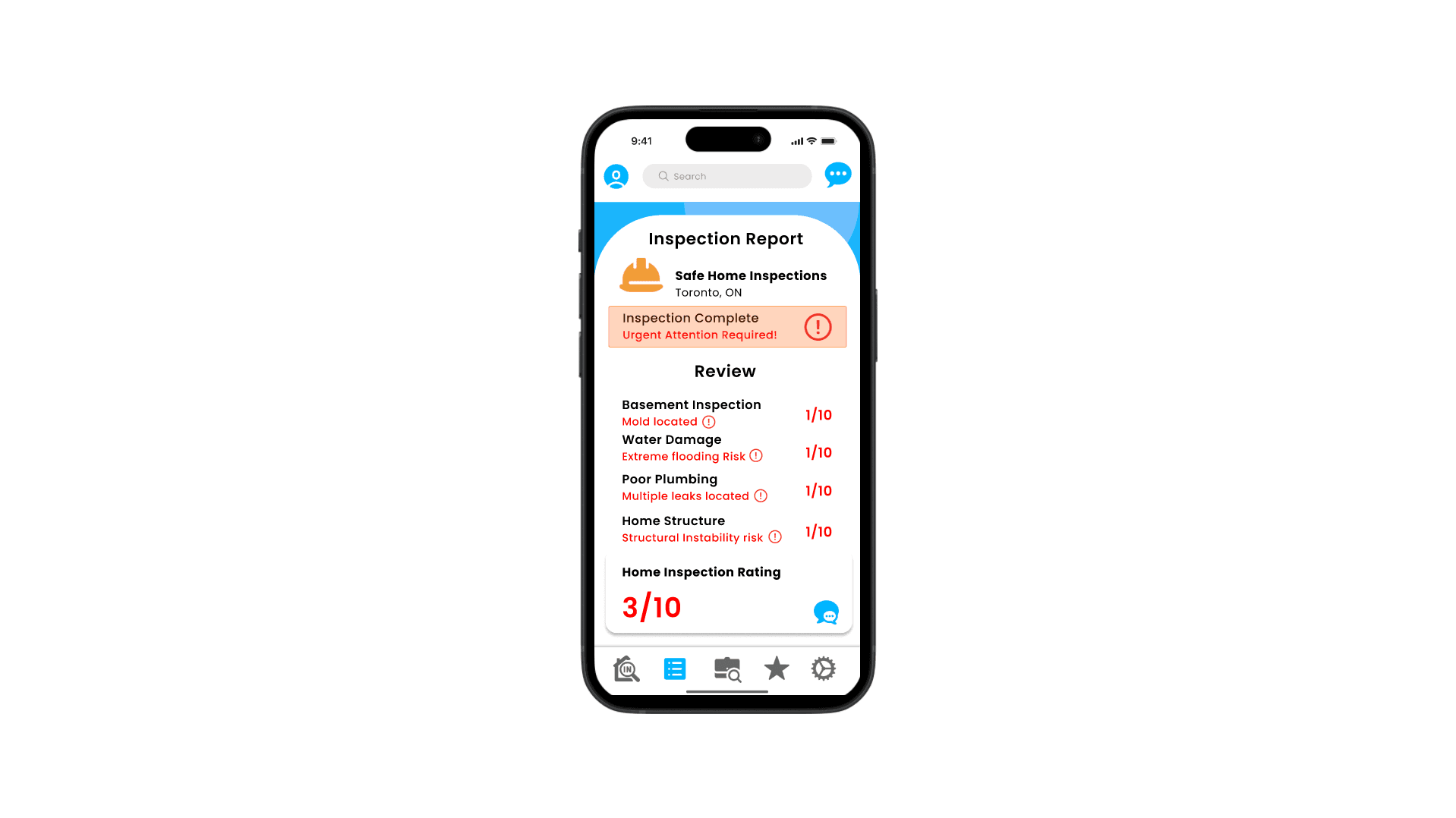
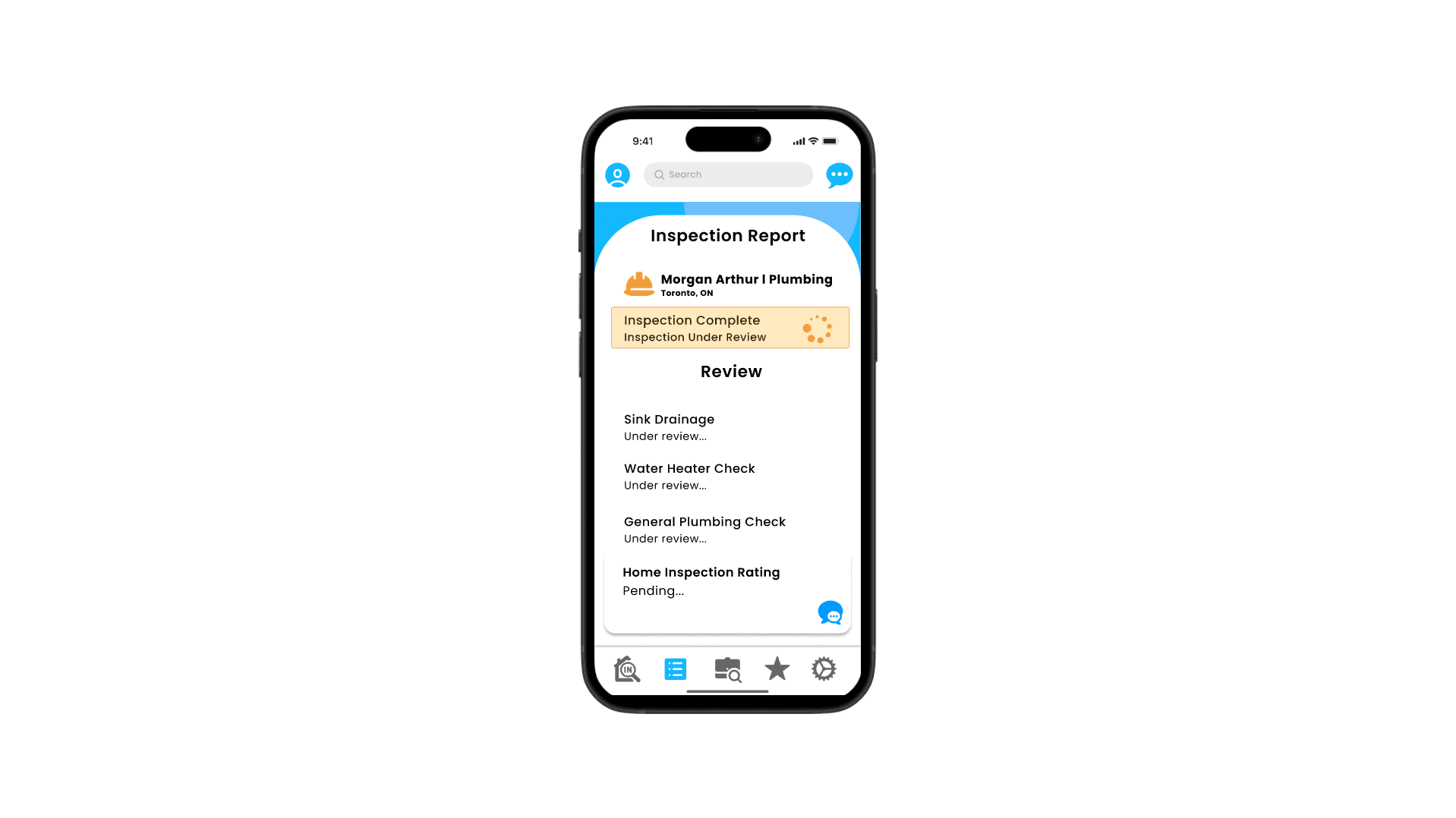
We went through 2 rounds of reviews and redesigns with feedback from instructor, on overhauls on inspection reports and decluttering the page to sort of be like a TL: DR, and incorporate my colour to help users indicate if the result was good or bad, if typical terminology used in that field is confusing. We didn’t want to just use color to indicate a result as lots of people have colour blindness, so we went did a pass on the prototype and added simple symbols like check marks if the inspection went well, or hearts if you had a positive experience with and may want to work with them again, or a calendar for an inspection you scheduled that hasn’t happened yet.
What Did I Learn?
By the end of this project, I learned a lot about using colour and some icons to help grab a user’s attention thoughtfully and where absolutely necessary. Apps that intrinsically come with lots of information and options that are presented to you, colours are a great way in certain situations like directing you to a page with a notification, a post report on an inspection of the results were good or bad using green or red, and a grading system if users have difficulty viewing colours.
On the note of lots of information, I also really felt that I improved at mitigating information overload. As a mentioned prior, these types of apps can be overwhelming and definitely confusing if you don’t really understand specifics that go into certain inspections, and we hit a nice middle ground where we don’t give too much technical jargon, but users can come away from using the app understanding if there’s a situation and next steps.